30 minutes a day.
Each Apple TV has its own daily allowance. Only actual playback counts; pausing and buffering do not. Browsing remains available when the allowance runs out.
The included sample uses the same playback rules as your own media.
Your videos and music, from the servers you choose. GoodPlayer TV brings network playback, a personal media library and controls made for your remote to Apple TV.
Requires tvOS 27 or later. Free to download, with optional in-app purchases.
Connect to a NAS, a shared folder or a media server. Available server discovery runs automatically while the app is in the foreground. Start playing directly, or add a source to your library.
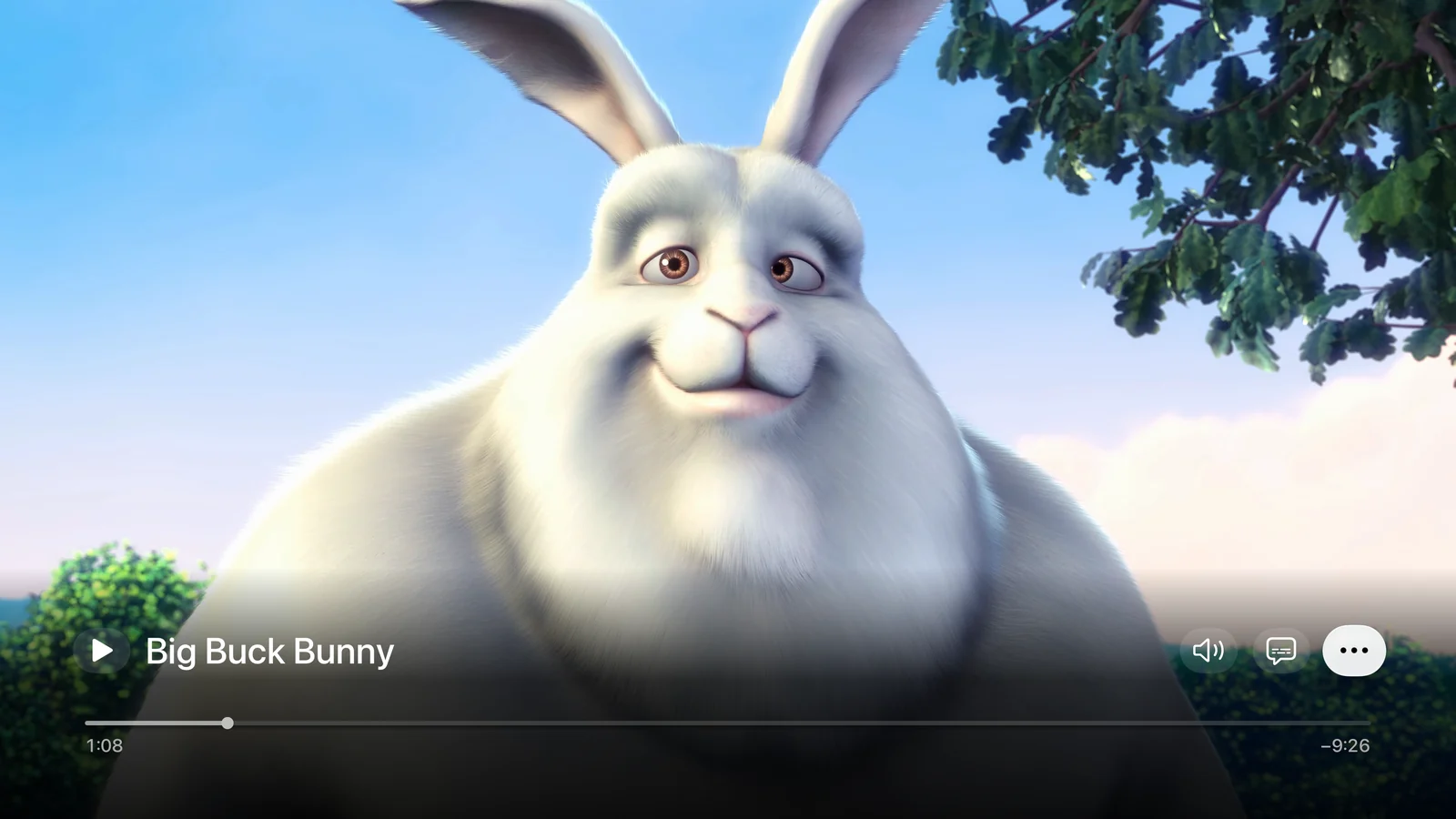
Compact controls hide while you watch. Audio and subtitles stay within easy reach; speed, queue and more options are one menu away.
| Select / Play/Pause | Play or pause. When previewing a time, press Select or Play to confirm. |
|---|---|
| Left / Right | During playback, skip 10 seconds. Hold a direction to preview a new position. |
| Swipe while paused | Position the timeline, then confirm with Select or Play. Press Back to cancel the preview. |
| Audio / Subtitles | Choose available audio or subtitle tracks from their direct controls. |
| More | Find playback speed, the queue, precise time entry and playback options, including chapters, aspect ratio and subtitle settings. |
Adjust subtitle size and timing, change the picture’s aspect ratio, jump to embedded chapters, or select a matching external subtitle from the same folder.
Open Settings and play the included original short sample, complete with subtitles and chapters. Offline help is also available in the app.
Audio plays while GoodPlayer TV is in the foreground. Supported formats and output depend on the media, server, Apple TV and connected equipment.
Every Apple TV gets daily free playback. Open GoodPlayer Premium from Home or Settings to view your access, current prices and available offers.
You retain lifetime playback after your original purchase is verified. Open GoodPlayer Premium → Restore Purchases using the Apple Account you originally used. GoodPlayer purchases for iPhone and iPad are separate from this TV app.
Each Apple TV has its own daily allowance. Only actual playback counts; pausing and buffering do not. Browsing remains available when the allowance runs out.
The included sample uses the same playback rules as your own media.
Get unlimited playback while your subscription is active. A one-week free trial is available only when Apple confirms eligibility.
The purchase screen shows the current local price and offer. The subscription renews automatically unless canceled.
A one-time purchase unlocks lifetime playback access for GoodPlayer TV.
Buying Lifetime does not cancel an existing monthly subscription. Manage that subscription separately through your Apple Account.
To avoid the next renewal, cancel at least 24 hours before the current subscription period ends. Prices, offers and availability are shown by Apple for your region. See the Apple standard license agreement and GoodPlayer TV privacy policy.
These answers are for GoodPlayer TV on Apple TV. Looking for the phone or tablet app? Visit GoodPlayer for iPhone and iPad.
GoodPlayer TV 2.01 runs on Apple TV with tvOS 27 or later. It is a separate app from GoodPlayer for iPhone and iPad. Install it from the App Store on your Apple TV; you do not need to mirror an iPhone screen.
GoodPlayer TV is a media player for sources you choose. It does not include a movie, television or music subscription service. An original short sample is included in Settings so you can try playback without a server. The Big Buck Bunny film shown in the screenshot is not included.
Keep your Apple TV and local server on the same network. In Sources, choose a discovered server or add its connection details and any required sign-in. Browse a folder and choose a file to play. You can also enter an HTTP/HTTPS media address. Automatic discovery does not sign in to a server for you.
Some connections from the older GoodPlayer TV may need to be entered again because the previous storage format cannot be safely interpreted. The update does not automatically erase unknown old data. Keep your server addresses and sign-in details available when upgrading.
Purchases for the two apps are independent. A GoodPlayer iPhone/iPad purchase does not unlock GoodPlayer TV. If you bought the original paid GoodPlayer TV, use the original Apple Account and choose GoodPlayer Premium → Restore Purchases to verify your lifetime access.
Playback pauses when the daily allowance is used. You can still browse, wait for the next day’s allowance, or choose monthly or lifetime access. Changing the TV profile does not create another allowance on the same Apple TV.
Use the Subtitles control to select an available track. Open More for playback options, including subtitle size and timing, chapters and picture aspect ratio. Matching external subtitles in the same folder can also be selected. Available tracks and chapters depend on the media.
Requires tvOS 27 or later. Download for free and start with the included sample or your own media.
App Store link ↗ · Availability varies by region. If the web link does not show the TV app, search directly in the App Store on Apple TV.
Tell us your GoodPlayer TV version, Apple TV model, tvOS version and what happened. For network playback, include the connection type and file format.